Next.js 16 Server Components and Data Fetching: Modern Patterns
Next.js 16 introduces powerful improvements to Server Components and data fetching, enabling developers to build faster, more efficient applications. In this article, we'll explore how to leverage these features to create optimal user experiences.
Understanding Server Components
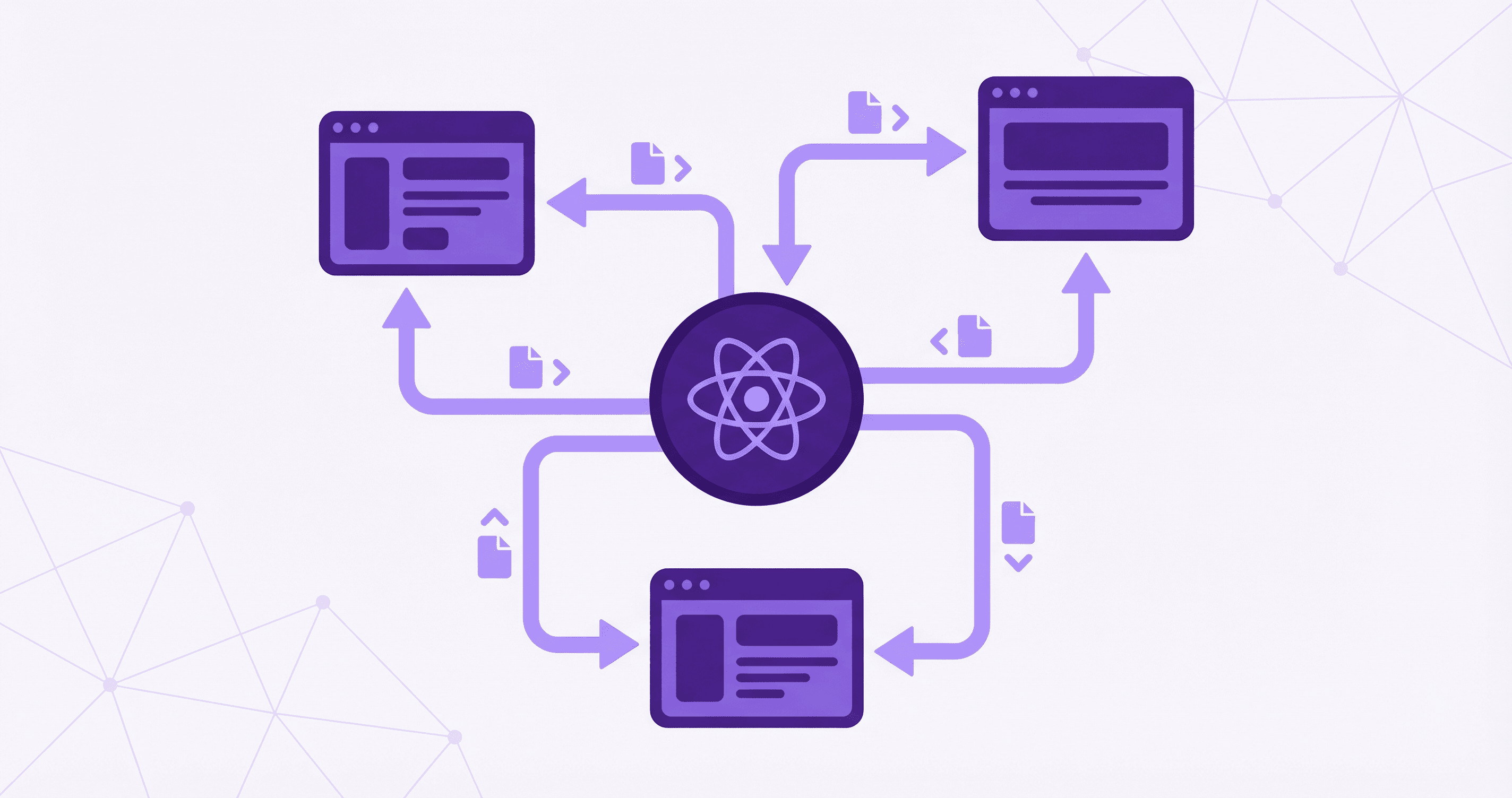
Server Components run exclusively on the server, never sending their code to the client. This means:
- Zero JavaScript bundle: Server Components don't add to your client bundle
- Direct database access: Query databases directly without API routes
- Secure by default: API keys and secrets never leave the server
- Better performance: Reduced client-side JavaScript execution
Basic Server Component
Server Components are the default in Next.js 16's App Router:
// app/dashboard/users/page.tsx
import { User } from '@rms/shared/enums';

// This is a Server Component by default
export default async function UsersPage() {
  // Direct database access or API call
  const users = await fetch('http://localhost:3001/api/users', {
    headers: {
      'Authorization': `Bearer ${await getServerToken()}`,
    },
  }).then(res => res.json());

  return (
    <div>
      <h1>Users</h1>
      <UsersList users={users} />
    </div>
  );
}
Data Fetching Patterns
1. Direct API Calls
Fetch data directly in Server Components:
// app/dashboard/payrolls/page.tsx
import { cookies } from 'next/headers';

async function getPayrolls(month?: number, year?: number) {
  const cookieStore = await cookies();
  const token = cookieStore.get('access_token')?.value;

  const params = new URLSearchParams();
  if (month) params.append('month', month.toString());
  if (year) params.append('year', year.toString());

  const response = await fetch(
    `${process.env.API_URL}/api/payrolls?${params.toString()}`,
    {
      headers: {
        'Authorization': `Bearer ${token}`,
        'Content-Type': 'application/json',
      },
      cache: 'no-store', // Always fetch fresh data
    },
  );

  if (!response.ok) {
    throw new Error('Failed to fetch payrolls');
  }

  return response.json();
}

export default async function PayrollsPage({
  searchParams,
}: {
  searchParams: { month?: string; year?: string };
}) {
  const month = searchParams.month ? parseInt(searchParams.month) : undefined;
  const year = searchParams.year ? parseInt(searchParams.year) : undefined;

  const payrolls = await getPayrolls(month, year);

  return (
    <div>
      <h1>Payrolls</h1>
      <PayrollsTable payrolls={payrolls} />
    </div>
  );
}
2. Using TanStack Query with Server Components
Combine Server Components with TanStack Query for client-side data:
// app/dashboard/projects/page.tsx
'use client'; // Client Component

import { useQuery } from '@tanstack/react-query';
import { useState } from 'react';

async function fetchProjects() {
  const response = await fetch('/api/projects');
  if (!response.ok) throw new Error('Failed to fetch');
  return response.json();
}

export default function ProjectsPage() {
  const { data, isLoading, error } = useQuery({
    queryKey: ['projects'],
    queryFn: fetchProjects,
  });

  if (isLoading) return <div>Loading...</div>;
  if (error) return <div>Error: {error.message}</div>;

  return (
    <div>
      <h1>Projects</h1>
      <ProjectsList projects={data} />
    </div>
  );
}
3. Parallel Data Fetching
Fetch multiple data sources in parallel:
// app/dashboard/page.tsx
export default async function DashboardPage() {
  // Fetch in parallel
  const [users, projects, payrolls] = await Promise.all([
    fetch(`${process.env.API_URL}/api/users/stats`).then(res => res.json()),
    fetch(`${process.env.API_URL}/api/projects/stats`).then(res => res.json()),
    fetch(`${process.env.API_URL}/api/payrolls/stats`).then(res => res.json()),
  ]);

  return (
    <div>
      <StatsCards users={users} projects={projects} payrolls={payrolls} />
      <RecentActivity />
    </div>
  );
}
Caching Strategies
1. Request Memoization
Next.js automatically deduplicates identical requests:
// Both components fetch the same data, but only one request is made
async function getUser(id: string) {
  const res = await fetch(`${process.env.API_URL}/api/users/${id}`, {
    next: { revalidate: 60 }, // Cache for 60 seconds
  });
  return res.json();
}

// Component 1
async function UserHeader({ userId }: { userId: string }) {
  const user = await getUser(userId);
  return <h1>{user.firstName}</h1>;
}

// Component 2 - Same request is deduplicated
async function UserProfile({ userId }: { userId: string }) {
  const user = await getUser(userId);
  return <div>{user.email}</div>;
}
2. Time-Based Revalidation
Cache data with time-based revalidation:
async function getProjects() {
  const res = await fetch(`${process.env.API_URL}/api/projects`, {
    next: { revalidate: 3600 }, // Revalidate every hour
  });
  return res.json();
}
3. On-Demand Revalidation
Revalidate data when it changes:
// app/api/revalidate/route.ts
import { revalidatePath } from 'next/cache';
import { NextRequest, NextResponse } from 'next/server';

export async function POST(request: NextRequest) {
  const { path } = await request.json();

  revalidatePath(path);

  return NextResponse.json({ revalidated: true });
}

// Call after updating data
await fetch('/api/revalidate', {
  method: 'POST',
  body: JSON.stringify({ path: '/dashboard/projects' }),
});
Server Actions
Server Actions provide a type-safe way to mutate data:
// app/actions/payrolls.ts
'use server';

import { revalidatePath } from 'next/cache';

export async function createPayroll(formData: FormData) {
  const payrollData = {
    userId: formData.get('userId'),
    month: parseInt(formData.get('month') as string),
    year: parseInt(formData.get('year') as string),
    baseSalary: parseFloat(formData.get('baseSalary') as string),
  };

  const response = await fetch(`${process.env.API_URL}/api/payrolls`, {
    method: 'POST',
    headers: {
      'Content-Type': 'application/json',
      Authorization: `Bearer ${await getServerToken()}`,
    },
    body: JSON.stringify(payrollData),
  });

  if (!response.ok) {
    throw new Error('Failed to create payroll');
  }

  revalidatePath('/dashboard/payrolls');
  return response.json();
}
Use Server Actions in forms:
// app/dashboard/payrolls/create/page.tsx
import { createPayroll } from '@/app/actions/payrolls';

export default function CreatePayrollPage() {
  return (
    <form action={createPayroll}>
      <input name="userId" type="text" required />
      <input name="month" type="number" required />
      <input name="year" type="number" required />
      <input name="baseSalary" type="number" step="0.01" required />
      <button type="submit">Create Payroll</button>
    </form>
  );
}
Streaming and Suspense
Use Suspense for progressive loading:
// app/dashboard/users/page.tsx
import { Suspense } from 'react';

async function UsersList() {
  const users = await fetch(`${process.env.API_URL}/api/users`).then(res => res.json());

  return (
    <ul>
      {users.map(user => (
        <li key={user.id}>{user.firstName} {user.lastName}</li>
      ))}
    </ul>
  );
}

function UsersLoading() {
  return <div>Loading users...</div>;
}

export default function UsersPage() {
  return (
    <div>
      <h1>Users</h1>
      <Suspense fallback={<UsersLoading />}>
        <UsersList />
      </Suspense>
    </div>
  );
}
Error Handling
Handle errors gracefully in Server Components:
// app/dashboard/payouts/[id]/page.tsx
import { notFound } from 'next/navigation';

async function getPayout(id: string) {
  try {
    const response = await fetch(`${process.env.API_URL}/api/payouts/${id}`);

    if (response.status === 404) {
      notFound(); // Triggers not-found.tsx
    }

    if (!response.ok) {
      throw new Error('Failed to fetch payout');
    }

    return response.json();
  } catch (error) {
    throw error; // Will be caught by error.tsx
  }
}

export default async function PayoutPage({ params }: { params: { id: string } }) {
  const payout = await getPayout(params.id);

  return (
    <div>
      <h1>Payout Details</h1>
      <PayoutDetails payout={payout} />
    </div>
  );
}
Best Practices
1. Keep Server Components Simple
// ✅ Good: Server Component handles data fetching
export default async function Page() {
  const data = await fetchData();
  return <ClientComponent data={data} />;
}

// ❌ Bad: Complex logic in Server Component
export default async function Page() {
  const data = await fetchData();
  const processed = complexProcessing(data); // Move to Client Component
  return <div>{processed}</div>;
}
2. Use Client Components for Interactivity
'use client';

import { useState } from 'react';

export function SearchBar() {
  const [query, setQuery] = useState('');

  return (
    <input
      value={query}
      onChange={(e) => setQuery(e.target.value)}
      placeholder="Search..."
    />
  );
}
3. Optimize Data Fetching
// ✅ Good: Fetch only needed data
const users = await fetch(`${API_URL}/api/users?limit=10&fields=id,name,email`);

// ❌ Bad: Fetch all data
const users = await fetch(`${API_URL}/api/users`); // Returns everything
Conclusion
Next.js 16's Server Components and improved data fetching capabilities provide powerful tools for building performant applications. By leveraging Server Components for data fetching, using appropriate caching strategies, and combining them with Client Components for interactivity, you can create fast, efficient applications with optimal user experiences.