TypeORM Best Practices with PostgreSQL: A Comprehensive Guide
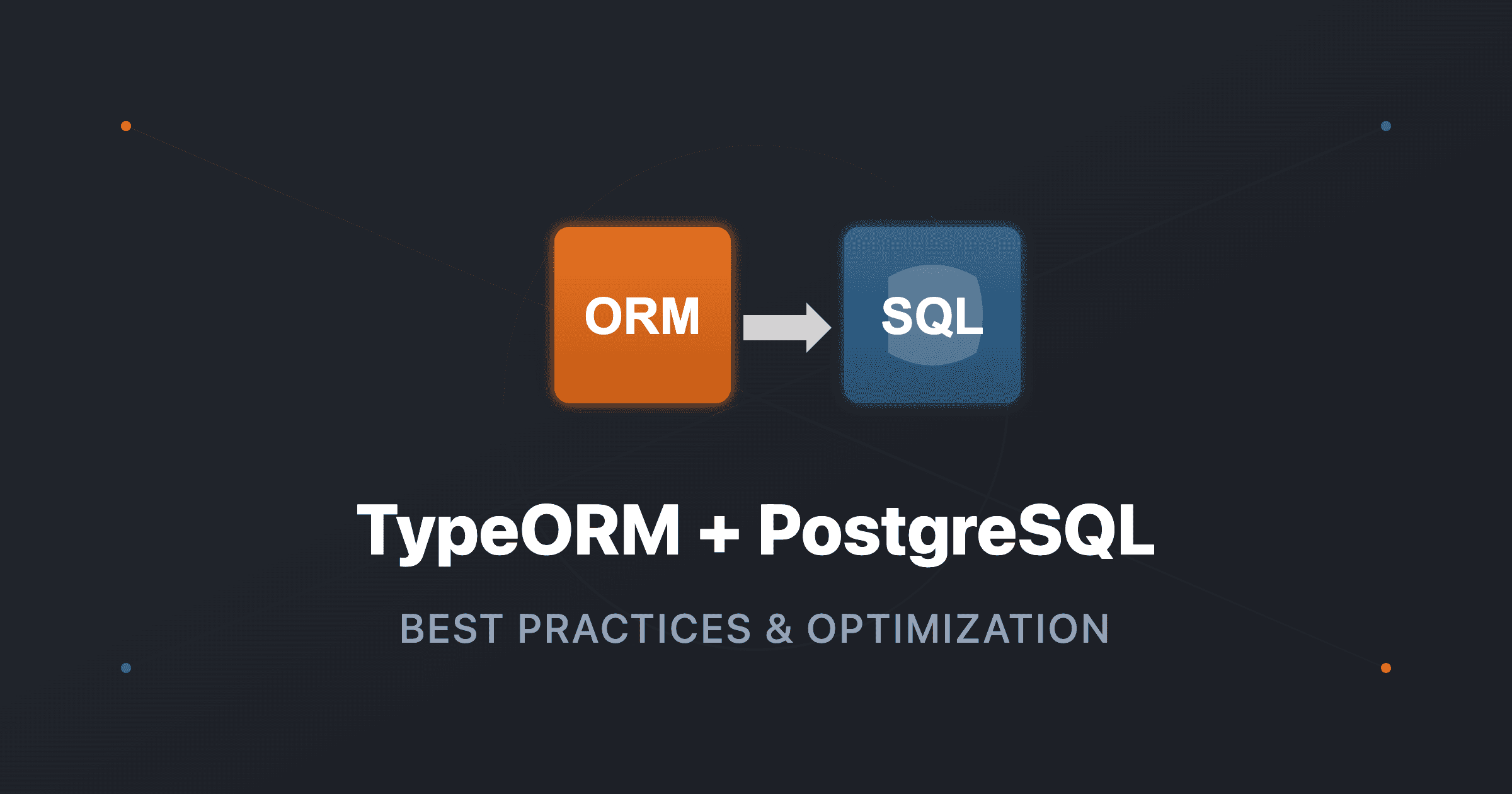
TypeORM is a powerful Object-Relational Mapping (ORM) library for TypeScript that simplifies database interactions. When combined with PostgreSQL, it provides a robust foundation for building scalable applications. In this article, we'll explore best practices for using TypeORM effectively with PostgreSQL.
Entity Design
1. Proper Column Naming
Use consistent naming conventions. For PostgreSQL, snake_case is common:
import { Entity, PrimaryGeneratedColumn, Column, CreateDateColumn, UpdateDateColumn } from 'typeorm';

@Entity('users')
export class User {
  @PrimaryGeneratedColumn('uuid')
  id: string;

  @Column({ type: 'varchar', length: 255, name: 'first_name' })
  firstName: string;

  @Column({ type: 'varchar', length: 255, name: 'last_name' })
  lastName: string;

  @Column({ type: 'varchar', length: 255, unique: true })
  email: string;

  @Column({ type: 'enum', enum: Role, default: Role.EMPLOYEE })
  role: Role;

  @Column({ type: 'boolean', default: true, name: 'is_active' })
  isActive: boolean;

  @CreateDateColumn({ name: 'created_at' })
  createdAt: Date;

  @UpdateDateColumn({ name: 'updated_at' })
  updatedAt: Date;
}
2. Use UUIDs for Primary Keys
UUIDs provide better distribution and avoid sequential ID issues:
@PrimaryGeneratedColumn('uuid')
id: string;
3. Proper Indexing
Add indexes for frequently queried columns:
@Entity('users')
@Index(['email']) // Single column index
@Index(['role', 'isActive']) // Composite index
export class User {
  @Column({ type: 'varchar', length: 255 })
  @Index() // Column-level index
  email: string;
}
Relationships
1. One-to-Many Relationships
Properly configure relationships with cascade options:
@Entity('projects')
export class Project {
  @PrimaryGeneratedColumn('uuid')
  id: string;

  @Column({ type: 'varchar', length: 255 })
  name: string;

  @OneToMany(() => ProjectAssignment, (assignment) => assignment.project, {
    cascade: true, // Automatically save related entities
  })
  assignments: ProjectAssignment[];
}

@Entity('project_assignments')
export class ProjectAssignment {
  @PrimaryGeneratedColumn('uuid')
  id: string;

  @ManyToOne(() => Project, (project) => project.assignments, {
    onDelete: 'CASCADE', // Delete assignments when project is deleted
  })
  @JoinColumn({ name: 'project_id' })
  project: Project;

  @ManyToOne(() => User)
  @JoinColumn({ name: 'user_id' })
  user: User;
}
2. Many-to-Many Relationships
Use junction tables for many-to-many relationships:
@Entity('users')
export class User {
  @ManyToMany(() => Skill, (skill) => skill.users)
  @JoinTable({
    name: 'user_skills',
    joinColumn: { name: 'user_id', referencedColumnName: 'id' },
    inverseJoinColumn: { name: 'skill_id', referencedColumnName: 'id' },
  })
  skills: Skill[];
}

@Entity('skills')
export class Skill {
  @ManyToMany(() => User, (user) => user.skills)
  users: User[];
}
3. Eager vs Lazy Loading
Use eager loading sparingly, prefer explicit relations:
// ❌ Bad: Eager loading everything
@ManyToOne(() => User, { eager: true })
user: User;

// ✅ Good: Load relations explicitly when needed
async findUserWithProjects(userId: string): Promise<User> {
  return this.userRepository.findOne({
    where: { id: userId },
    relations: ['projectAssignments', 'projectAssignments.project'],
  });
}
Query Optimization
1. Use Query Builder for Complex Queries
For complex queries, use QueryBuilder:
async findUsersWithActiveProjects(): Promise<User[]> {
  return this.userRepository
    .createQueryBuilder('user')
    .leftJoinAndSelect('user.projectAssignments', 'assignment')
    .leftJoinAndSelect('assignment.project', 'project')
    .where('project.status = :status', { status: ProjectStatus.ACTIVE })
    .andWhere('user.isActive = :isActive', { isActive: true })
    .getMany();
}
2. Select Specific Fields
Only select fields you need:
// ❌ Bad: Selects all fields
const users = await this.userRepository.find();

// ✅ Good: Select only needed fields
const users = await this.userRepository.find({
  select: ['id', 'firstName', 'lastName', 'email'],
});

// ✅ Better: Use QueryBuilder for complex selections
const users = await this.userRepository
  .createQueryBuilder('user')
  .select(['user.id', 'user.firstName', 'user.lastName'])
  .getMany();
3. Pagination
Always implement pagination for list queries:
async findAll(page: number = 1, limit: number = 10): Promise<[User[], number]> {
  const [users, total] = await this.userRepository.findAndCount({
    skip: (page - 1) * limit,
    take: limit,
    order: { createdAt: 'DESC' },
  });
  return [users, total];
}
4. Use Transactions
Wrap related operations in transactions:
async createPayrollWithTimeEntries(
  payrollData: CreatePayrollDto,
  timeEntries: CreateTimeEntryDto[],
): Promise<Payroll> {
  return this.dataSource.transaction(async (manager) => {
    const payroll = manager.create(Payroll, payrollData);
    const savedPayroll = await manager.save(payroll);

    const entries = timeEntries.map((entry) =>
      manager.create(TimeEntry, { ...entry, payroll: savedPayroll }),
    );
    await manager.save(entries);

    return savedPayroll;
  });
}
Migrations
1. Generate Migrations
Always generate migrations for schema changes:
# Generate migration from entity changes
npm run typeorm migration:generate -- -n MigrationName

# Or create empty migration
npm run typeorm migration:create -- -n MigrationName
2. Migration Best Practices
Write reversible migrations:
import { MigrationInterface, QueryRunner } from 'typeorm';

export class AddUserPhoneColumn1234567890 implements MigrationInterface {
  public async up(queryRunner: QueryRunner): Promise<void> {
    await queryRunner.query(`
      ALTER TABLE users
      ADD COLUMN phone VARCHAR(20) NULL;
    `);
  }

  public async down(queryRunner: QueryRunner): Promise<void> {
    await queryRunner.query(`
      ALTER TABLE users
      DROP COLUMN phone;
    `);
  }
}
3. Data Migrations
Handle data transformations in migrations:
public async up(queryRunner: QueryRunner): Promise<void> {
  // Schema change
  await queryRunner.query(`
    ALTER TABLE users
    ADD COLUMN full_name VARCHAR(255);
  `);

  // Data migration
  await queryRunner.query(`
    UPDATE users
    SET full_name = CONCAT(first_name, ' ', last_name);
  `);
}
Configuration
1. Database Module Setup
Configure TypeORM properly in NestJS:
// database.module.ts
import { Module } from '@nestjs/common';
import { TypeOrmModule } from '@nestjs/typeorm';
import { ConfigService } from '@nestjs/config';

@Module({
  imports: [
    TypeOrmModule.forRootAsync({
      inject: [ConfigService],
      useFactory: (config: ConfigService) => ({
        type: 'postgres',
        host: config.get('DB_HOST'),
        port: config.get('DB_PORT'),
        username: config.get('DB_USERNAME'),
        password: config.get('DB_PASSWORD'),
        database: config.get('DB_NAME'),
        entities: [__dirname + '/../**/*.entity{.ts,.js}'],
        synchronize: config.get('NODE_ENV') === 'development', // Never true in production
        logging: config.get('NODE_ENV') === 'development',
        migrations: [__dirname + '/migrations/*{.ts,.js}'],
        migrationsRun: false,
      }),
    }),
  ],
})
export class DatabaseModule {}
2. Repository Pattern
Use custom repositories for complex queries:
// users.repository.ts
import { Repository, DataSource } from 'typeorm';
import { Injectable } from '@nestjs/common';
import { User } from './entities/user.entity';

@Injectable()
export class UsersRepository extends Repository<User> {
  constructor(private dataSource: DataSource) {
    super(User, dataSource.createEntityManager());
  }

  async findActiveUsersWithProjects(): Promise<User[]> {
    return this.createQueryBuilder('user')
      .leftJoinAndSelect('user.projectAssignments', 'assignment')
      .leftJoinAndSelect('assignment.project', 'project')
      .where('user.isActive = :isActive', { isActive: true })
      .getMany();
  }
}
Performance Tips
1. Connection Pooling
Configure connection pooling:
{
  type: 'postgres',
  // ... other config
  extra: {
    max: 20, // Maximum pool size
    min: 5,  // Minimum pool size
    idleTimeoutMillis: 30000,
  },
}
2. Use Raw Queries for Complex Operations
For complex aggregations, consider raw queries:
async getPayrollStats(month: number, year: number): Promise<PayrollStats> {
  const result = await this.dataSource.query(`
    SELECT
      COUNT(*) as total_payrolls,
      SUM(total_amount) as total_amount,
      AVG(total_amount) as average_amount
    FROM payrolls
    WHERE month = $1 AND year = $2
  `, [month, year]);

  return result[0];
}
3. Batch Operations
Use batch inserts/updates for bulk operations:
// Batch insert
const users = usersData.map((data) => this.userRepository.create(data));
await this.userRepository.save(users, { chunk: 100 }); // Insert in chunks of 100

// Batch update
await this.userRepository
  .createQueryBuilder()
  .update(User)
  .set({ isActive: false })
  .where('lastLogin < :date', { date: oneYearAgo })
  .execute();
Common Pitfalls
1. N+1 Query Problem
Avoid N+1 queries:
// ❌ Bad: N+1 queries
const users = await this.userRepository.find();
for (const user of users) {
  const projects = await this.projectRepository.find({ where: { userId: user.id } });
}

// ✅ Good: Single query with relations
const users = await this.userRepository.find({
  relations: ['projectAssignments', 'projectAssignments.project'],
});
2. Synchronize in Production
Never use synchronize: true in production:
// ❌ Bad
synchronize: true

// ✅ Good
synchronize: process.env.NODE_ENV === 'development',
3. Proper Error Handling
Handle database errors appropriately:
try {
  await this.userRepository.save(user);
} catch (error) {
  if (error.code === '23505') {
    // Unique violation
    throw new ConflictException('User with this email already exists');
  }
  throw error;
}
Conclusion
TypeORM with PostgreSQL provides a powerful combination for building robust applications. By following these best practices—proper entity design, optimized queries, careful relationship management, and proper migrations—you can build scalable, maintainable database layers. Remember to always test your queries, use transactions for related operations, and monitor performance in production.